
How many spaces to create
A space holds its own contacts, documents, requests and tasks. People who have access to a space work with everything in it, according to their role. Everyone else does not see it. The number of spaces therefore comes down to one question: who should see whose clients?
What a space keeps apart
Section titled “What a space keeps apart”- Content: the Home, Contacts, Documents, Requests and Tasks pages only show the selected space.
- Access: a person who has access to some spaces only does not see the others.
- Branding: each space has its own public name, logo and contact details. Your clients see the public name and logo on the client portal and in the emails from that space.
Two ways to give access
Section titled “Two ways to give access”- A user with organisation access sees every space, current and future.
- For everyone else, access is given space by space, with a checkbox you turn on or off in seconds.
For example, an advisor goes on holiday. The owner checks that advisor’s space for the colleague who takes over: the colleague has access to those clients as soon as the box is checked. When the advisor returns, the owner unchecks the box. See Move a user to another space.
One example per sector
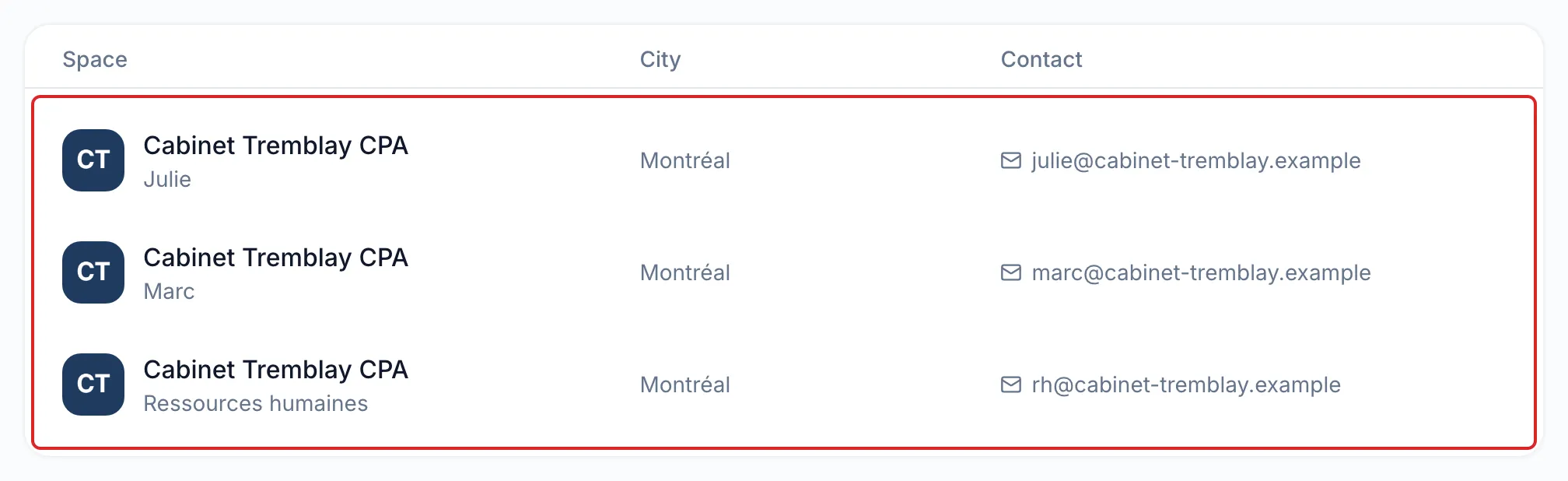
Section titled “One example per sector”An accounting firm has four accountants, and each one looks after their own clients. The firm creates one space per accountant, all under the same public name and logo: clients see the same firm, whoever their accountant is. The owner has the Organization scope and sees all four spaces. The assistant, who prepares files for everyone, also has the Organization scope.
A financial planning firm has two teams of three advisors, one in Montréal and one in Laval. Within each team, advisors take turns with the same clients. The firm creates one space per team, “Montréal team” and “Laval team”: each advisor sees all of their team’s clients, but not those of the other team. An internal “Compliance” space holds the firm’s own documents, and only the owner and the compliance officer have access to it.
A property and casualty insurance brokerage has two teams: one serves individuals, the other serves businesses. Within each team, brokers share the same clients for quotes and renewals. The brokerage creates one space per team, “Personal lines” and “Commercial lines”. A broker who works with both teams has access to both spaces.
A travel agency has five travel advisors, each with their own clientele. The agency creates one space per advisor, all under the agency’s name and logo. The owner has the Organization scope and follows every file. An internal “Accounting” space holds the agency’s accounting documents: only the owner and the accounting clerk have access to it.
A notarial firm has three notaries, each with their own clientele. The firm creates one space per notary, under the firm’s name and logo, and an internal “Human resources” space that only the notary who owns the firm sees. The two legal technicians prepare files for all three notaries. Because the “Human resources” space must stay private, they have the Space scope, with the three notaries’ spaces checked.
Before you create your spaces
Section titled “Before you create your spaces”- List your team and its clients. Who shares clients with whom?
- Should some clients see a different name or logo? Plan one space per brand.
- meo does not merge two spaces. Settle your structure before you add your clients. Access, on the other hand, can be changed at any time.
- Your plan counts spaces. If you reach the limit, meo offers to add one.
Frequently asked questions
Section titled “Frequently asked questions”- Does a space correspond to a user?
- Do members of the same space see all of its content?
- Can you merge two spaces?
- Can you use a space for your employees’ internal documents?